Deposit Directly Into Your Kingdom Sacco Account Through Family Bank
Managing your savings should be simple, convenient, and secure. Kingdom Sacco members can now deposit funds directly into their Kingdom Sacco accounts through Family Bank using convenient transfer channels.
Whether you are making a regular deposit, sending savings from another bank, or transferring a larger amount, you can choose from PesaLink, EFT, or RTGS.
1. PesaLink - Recommended
PesaLink provides a convenient way to transfer money directly from a participating bank into your Kingdom Sacco account.
Payment details:
- Receiving Bank: Family Bank
- Account Number: Your Kingdom Sacco Account Number, starting with 702
2. EFT - Electronic Funds Transfer
You can also use an Electronic Funds Transfer (EFT) from your bank account to deposit funds into your Kingdom Sacco account.
Payment details:
- Receiving Bank: Family Bank
- Sort Code: 70702
- Account Number: Your Kingdom Sacco Account Number, starting with 702
3. RTGS - High-Value Transfers
For large-value transfers within Kenya, you can use RTGS (Real-Time Gross Settlement) to send funds to your Kingdom Sacco account.
Payment details:
- Receiving Bank: Family Bank
- Branch: Githurai
- Bank Code: 070
- Branch Code: 702
- Sort Code: 70702
- Account Name: Your full name as registered with Kingdom Sacco
- Account Number: Your Kingdom Sacco Account Number, starting with 702
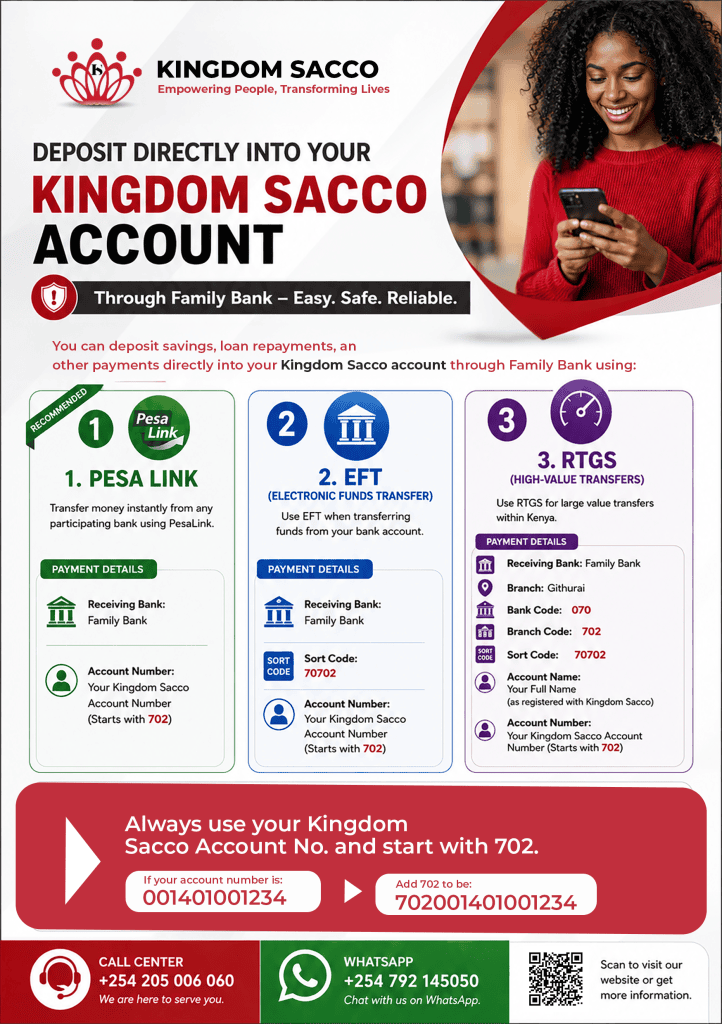
Important: Always Include 702 Before Your Account Number
When making your deposit, always use your Kingdom Sacco Account Number prefixed with 702.
For example: If your Kingdom Sacco account number is: 001401001234
Enter it as: 702001401001234
Using the correct account number helps ensure your funds are directed to the intended Kingdom Sacco account.